

Early access opening soon
You don't learn Yensie.
Yensie learns how you work.
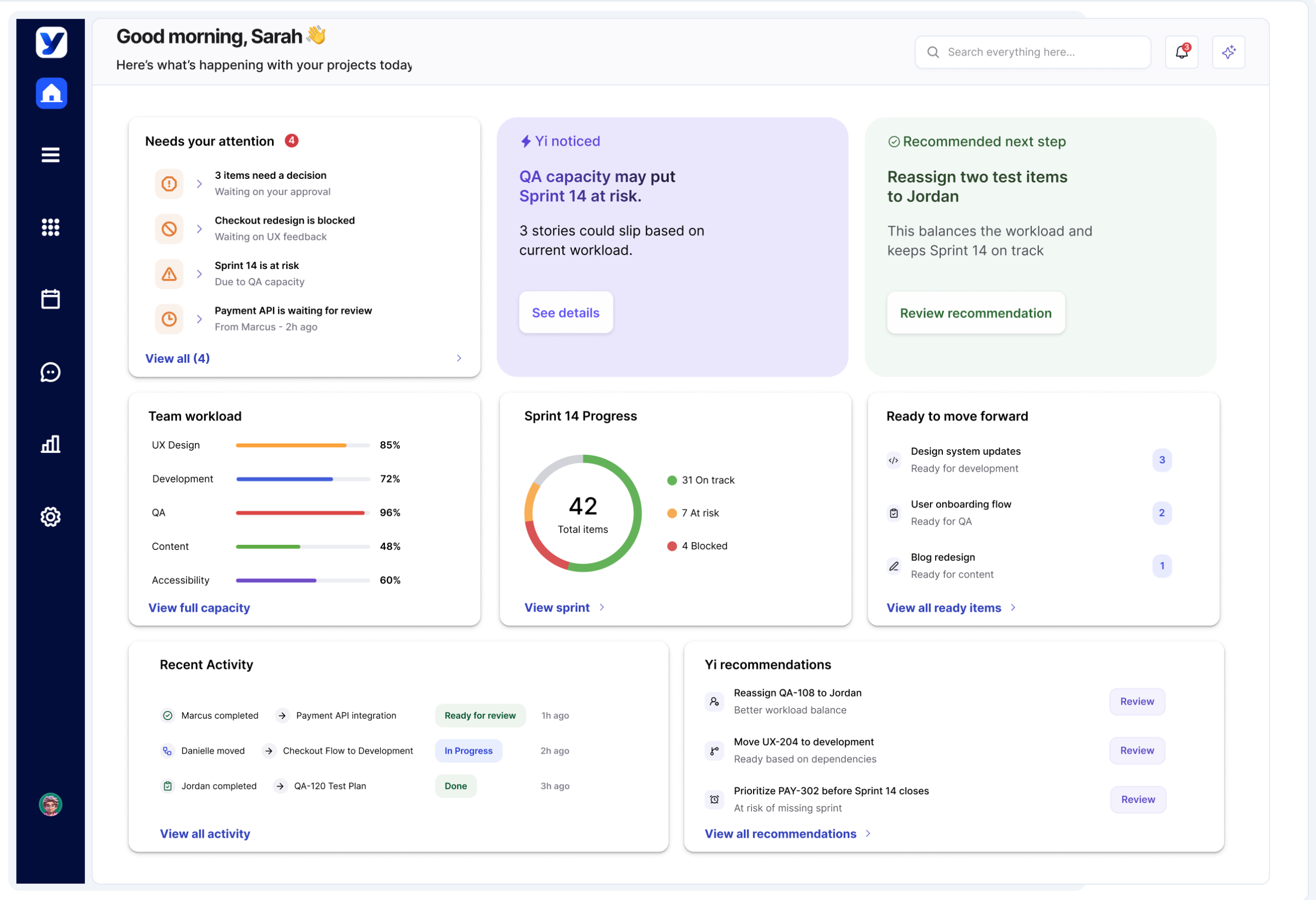
Yensie brings your team's work, decisions, design and conversations into one workspace, then surfaces what matters next for each person: what needs their attention, what to do next and where they're needed. No more piecing things together from five different tools.
Free for individuals. Built for project managers, designers, developers, QA and leadership.
Most teams don't have a workflow problem. They have a coordination problem.
The decision was made in a meeting. The feedback sits in a comment. The blocker is buried in a chat thread. By the time someone pieces it together, the sprint has moved on.
Status checks replace real work
People spend their day asking where things stand instead of moving them forward.
Handoffs stall between roles
Work waits because the next person doesn't know it's ready for them.
Risks show up too late
Blocked work and overloaded people only surface once a deadline slips.
Where did we decide to change the checkout flow?
Meeting notes, Tuesday
"Let's go with option B"
Ticket #482
Status unclear
Chat thread
46 replies
Design comment
Unresolved
Meeting notes, Tuesday
"Let's go with option B"
In Yensie, it's all on the work itself
The decision, who made it, the updated design and the next owner stay attached to the task, so anyone can see what happened and why.
From "what's going on?" to "what's next?" in five steps.
Yensie follows the way work moves through a team and handles the coordination at each stage.
Step 1
See
Step 2
Decide
Step 3
Assign
Step 4
Track
Step 5
Advance
Yensie surfaces what needs your attention.
Blocked work, risks, decisions and changes come to you before they turn into problems. No digging through boards to find out what changed overnight.
Needs your attention
Checkout v2 blocked by API spec
Blocked
Scope change waiting on approval
Decision
Refund flow designs updated
Changed
Yi gives you the context to act faster.
Every recommendation comes with the reasons behind it: priorities, dependencies and team capacity. You decide with the full picture in front of you.
Yi recommends
Approve option B for checkout
Suggested
Unblocks 3 stories this sprint
Impact
Owner: Sarah, product
Owner
The right work goes to the right person.
Yensie recommends who should take each piece of work based on role, skills, workload and availability, so nobody gets buried and nothing sits unowned.
Suggested assignment
Jordan, developer
64% load
Maya, developer
98% load
Refund flow needs payments experience
Match
Stay ahead of blockers without status meetings.
Progress, dependencies, capacity and risk update as the work moves. Everyone sees where things stand without asking for an update.
Sprint 14
Stories on track
11 of 14
At risk this week
2
Waiting on a decision
1
When work is ready, the next step is clear.
Yensie shows who the work goes to next and keeps its context attached, so handoffs are clear and nobody starts from zero.
Ready for handoff
Checkout v2 design complete
Ready
Next owner: Jordan, development
Suggested
Specs, decisions and comments attached
Context
The more your team works, the better Yensie fits.
Other tools ask everyone to adapt to the same boards and fields. Yensie adapts to each person instead.
Built around how you work
Yensie is designed to learn your role, priorities and habits over time, and shape your recommendations, shortcuts and workspace around them.
Yi lives inside the workflow
Yi is being built to understand the context of your work, surface blockers, summarize updates, flag risks and recommend what should happen next. It sits inside your projects, not in another tool on the side.
Nobody rebuilds history
Decisions, design and conversations stay attached to the work, so new people get up to speed without a round of meetings.
 Yi, your workflow assistant
Example
- QA is at 112% capacity after the checkout stories moved in.
- The payments API spec has been waiting on Priya's approval since Tuesday.
Jordan has room this sprint and already owns the payments API.
Moving "Refund flow" to him keeps Friday's release on track.
One workspace. Different ways of working.
Project managers, designers, developers, QA and leadership each see the context and next steps that matter to them, while the whole team works from the same source of truth.
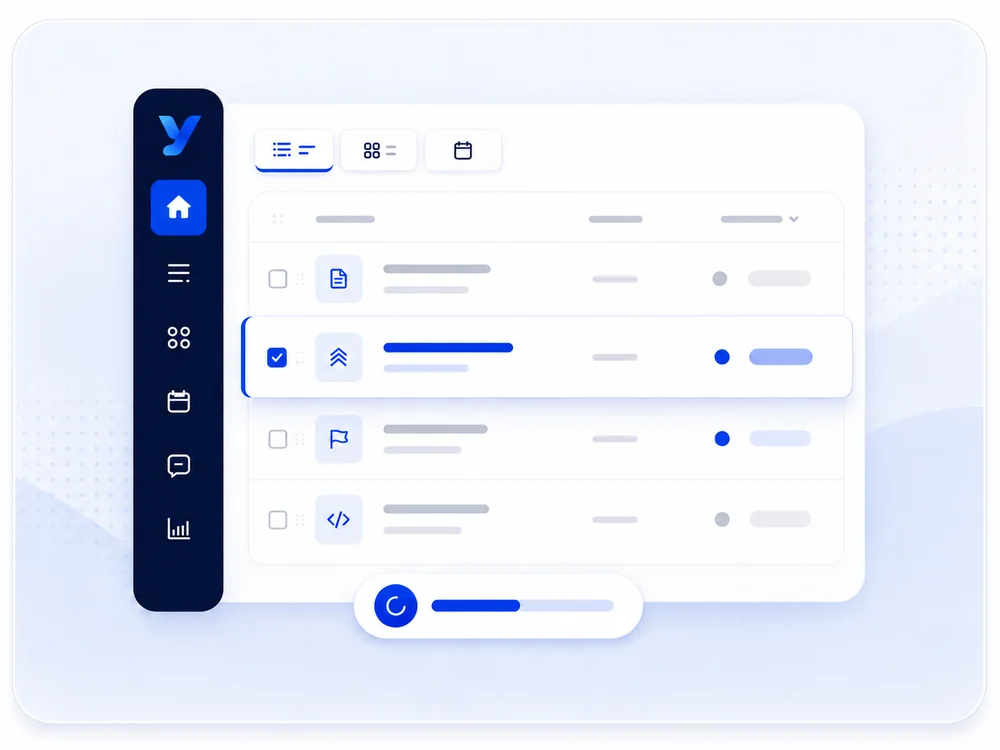
Project managers
Prioritize the backlog, clarify requirements and see how each decision affects delivery.
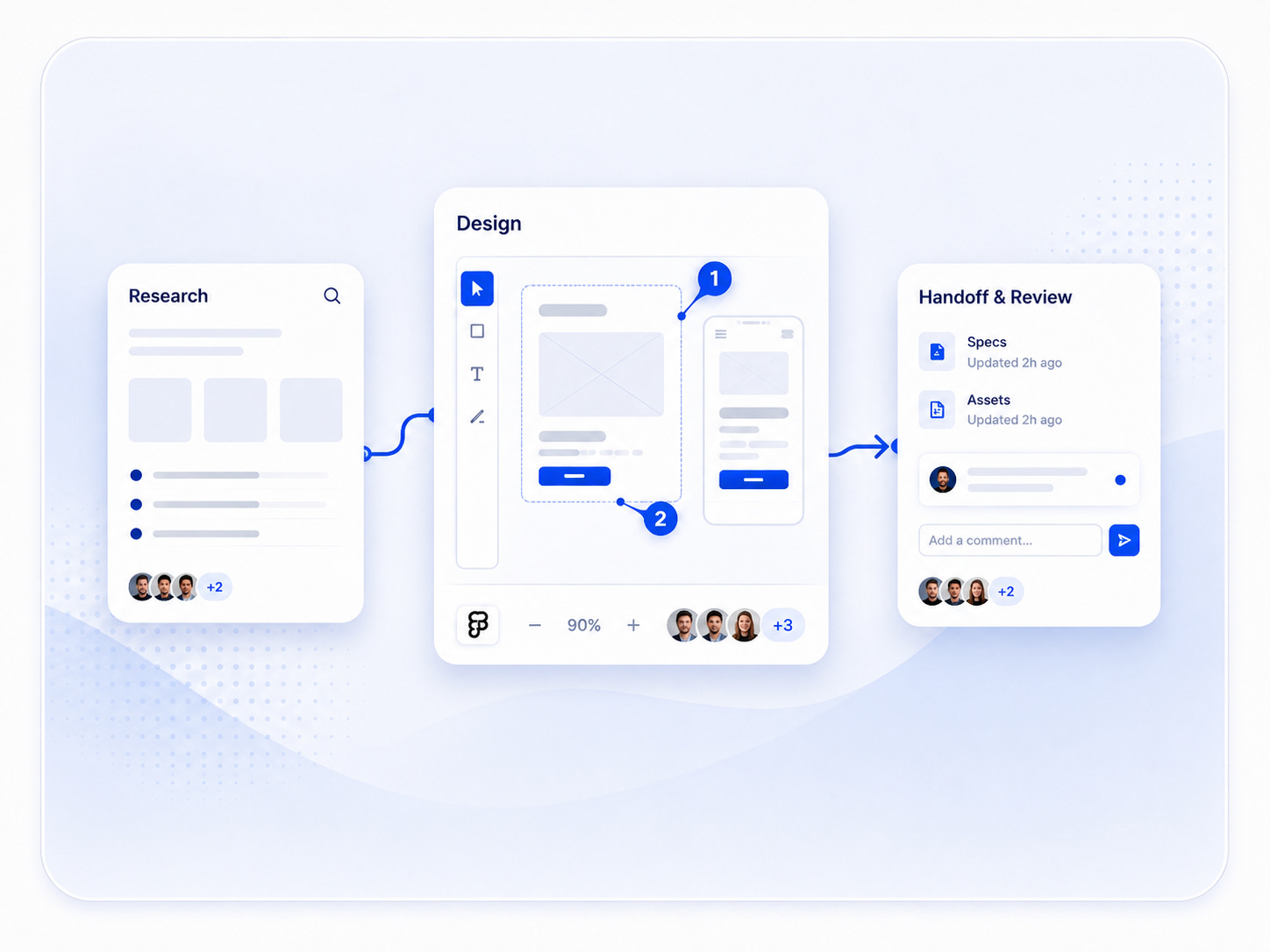
Designers
Manage research, reviews, prototypes and handoffs in context, so feedback never gets lost in a thread.
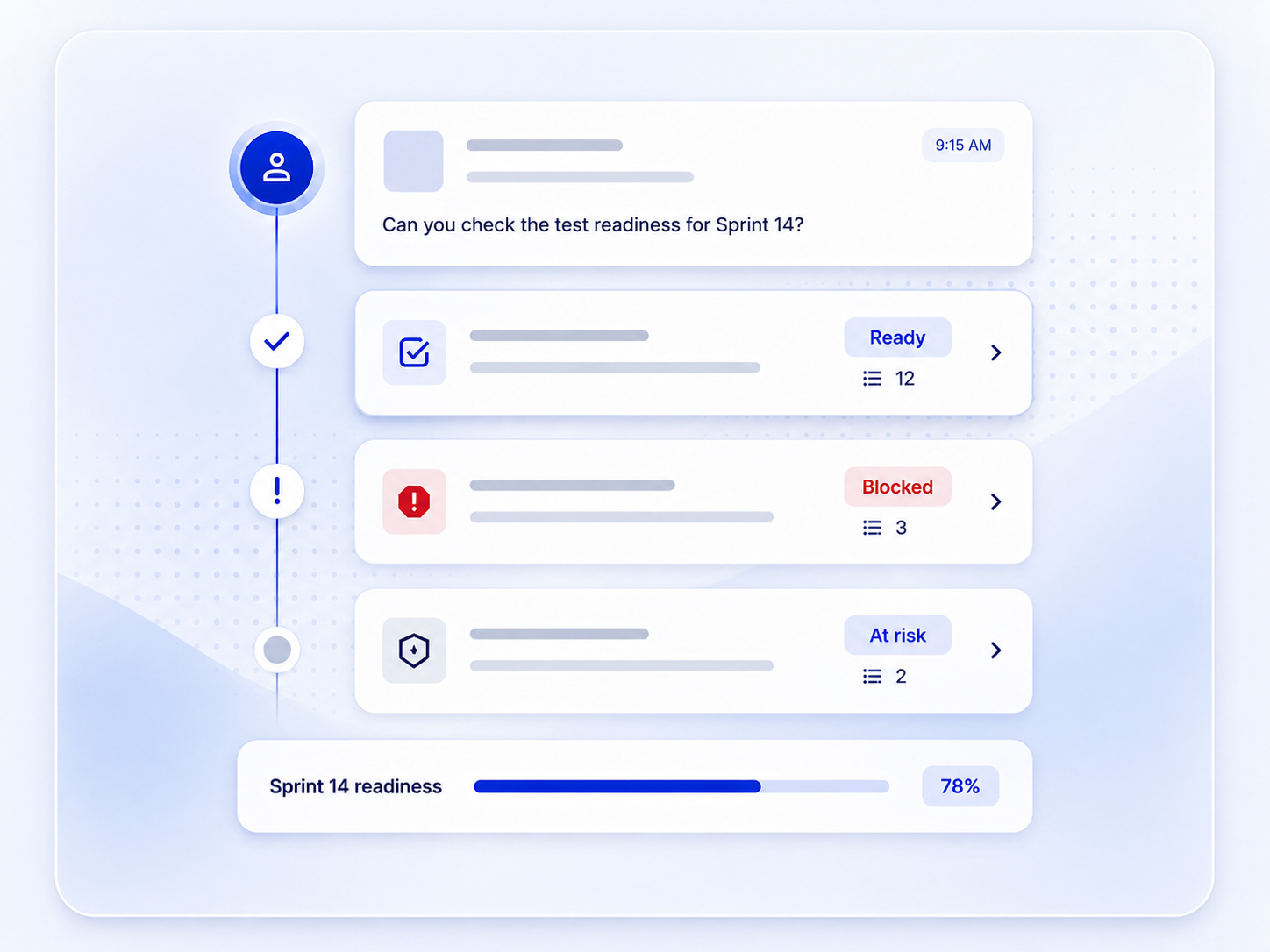
Developers
Start with clear requirements, dependencies, decisions and priorities, without chasing people for answers.
QA
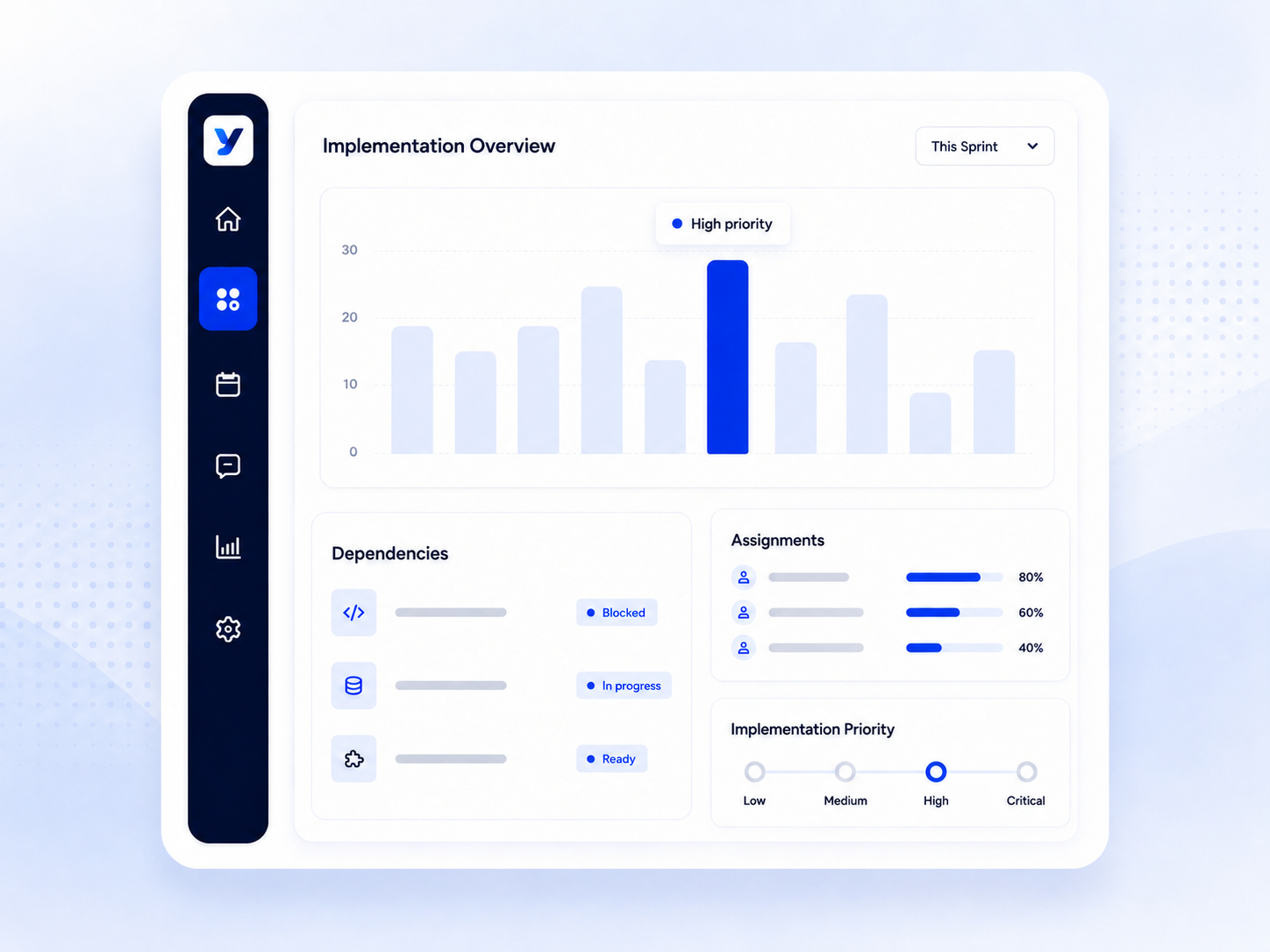
Know what is ready for testing, what is blocked and what could put the release at risk.
Leadership
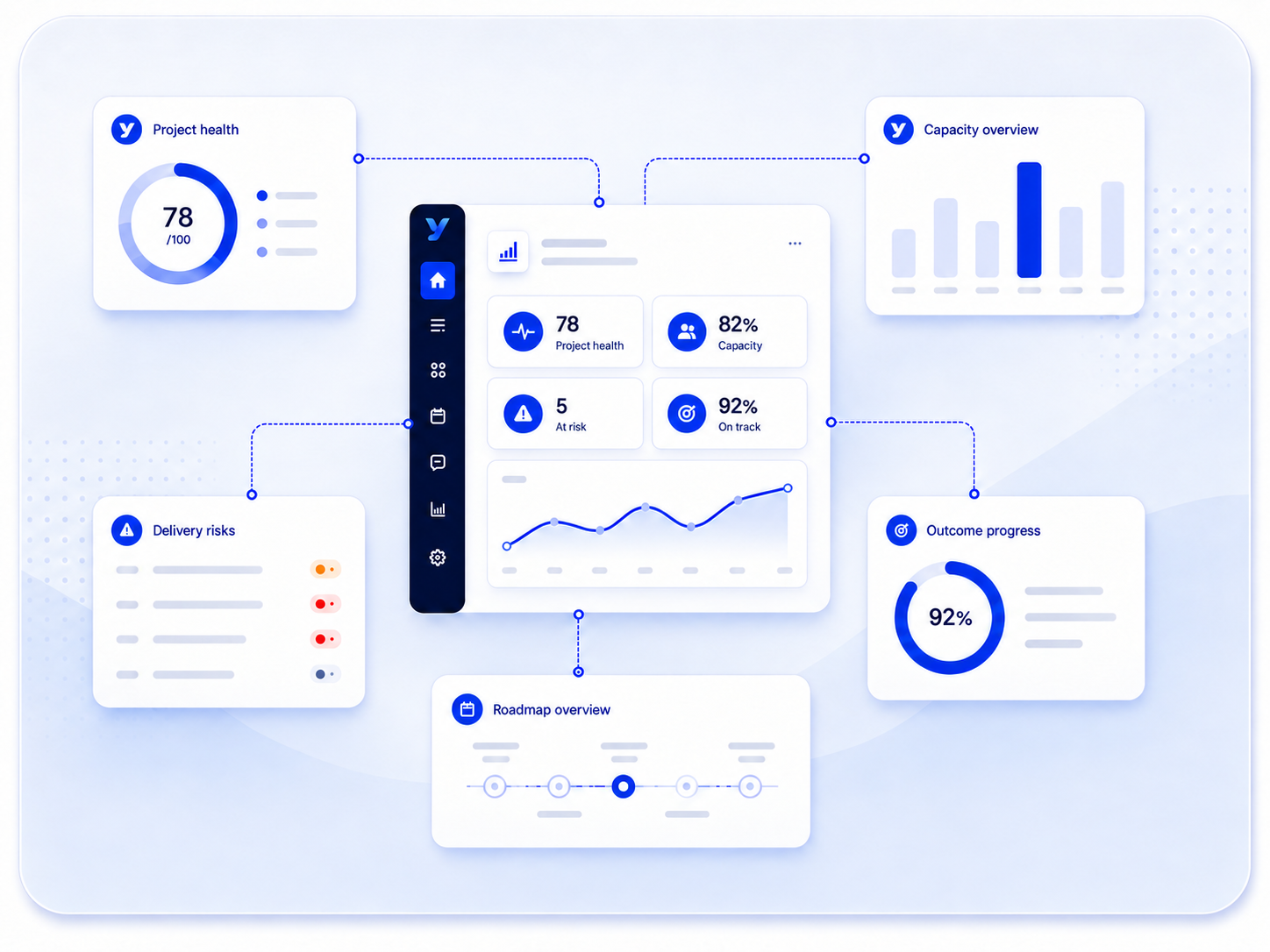
See project health, team capacity and delivery risks in one place, without waiting for another status report.
Most platforms manage tasks.
Yensie manages operational flow.
Tasks are only one part of shipping software. Yensie understands ownership, workload, dependencies, approvals and handoffs, so work keeps moving instead of sitting on a board.
Start solo. Grow with your team.
Every plan includes Yi. Pick the one that fits how many people you're coordinating.
These plans show our planned direction. Team pricing will be shared closer to launch, and all plans may change before then.
Individual
For people who want Yensie to organize, prioritize and adapt around how they work.
$0 per month
Personal workspace
Yi assistance and recommendations
Boards, planning, notes and work items
Personal workflows
Core reporting
Team
Most popular
For teams that want better coordination without more process.
Coming soon
Everything in Individual
Shared workspaces and projects
Assignments and workload visibility
Role-aware Yi recommendations
Team collaboration and handoffs
Workflow guidance
Team reporting and insights
Enterprise
For organizations planning to bring Yensie to multiple teams and departments.
Custom
Everything in Team
Priority onboarding and support
On the Enterprise roadmap
Advanced roles and permissions
SSO and identity management
Security and governance controls
Organization-wide reporting
Custom integrations
Questions teams ask before they switch.
Something else on your mind?
Email hello@yensie.com.
Is Yensie available now?
Yensie is preparing for early access. Request access with your work email and we'll be in touch when it opens.
How is Yensie different from a project management tool?
Project tools track tasks and statuses. Yensie also keeps the decisions, design, conversations and handoffs attached to the work, then tells each person what needs attention and what to do next.
Who is Yensie built for?
Product teams: project managers, designers, developers, QA and leadership. Each role gets a view built around its own priorities. Individuals can also use Yensie on their own for free.
What is Yi?
Yi is the assistant built into Yensie. It is designed to understand the context of your work, surface blockers, summarize updates, flag risks and recommend what should happen next. What Yi can do will keep growing as Yensie develops.
Your team already has enough tools. What it needs is alignment.
Bring planning, design, development and QA into one connected workspace, and let Yensie surface what matters next for each person.